For N.I.N.A. and ZWO ASIAIR imagers
The whole night, from the rig to the finished picture.
SubZeroAstro checks the weather, picks tonight's targets, brings in every sub from your rigs, grades and culls them, stacks them, and helps you finish the picture by choosing from previews of your own image. One app, for Windows and Apple-silicon Macs.
Version 0.9.299 beta · signed for Windows and Mac · no Python, no scripts
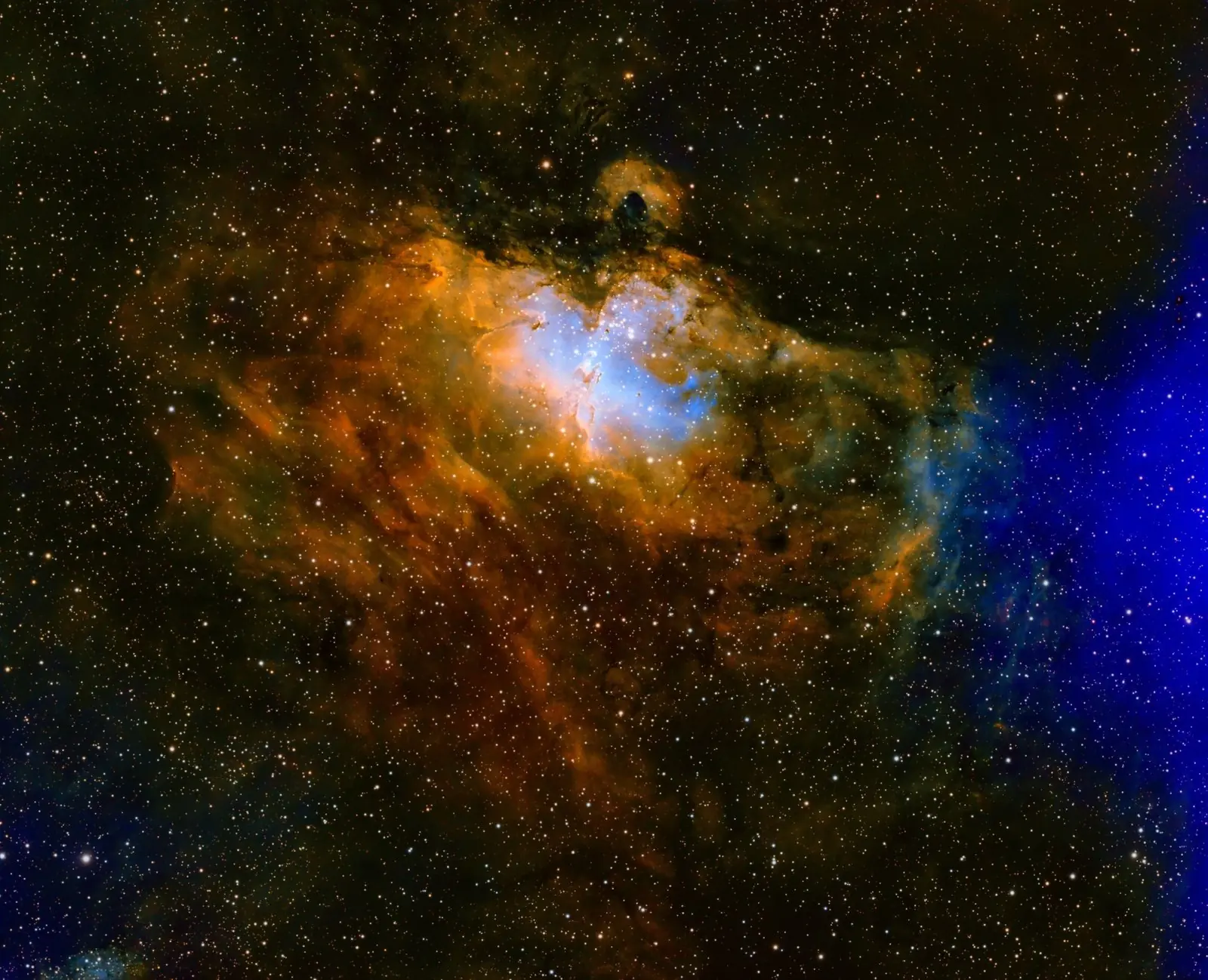
Shot from a Bortle 7 backyard
Brian A. Poteet
How it works
Four pages, turned like a book.
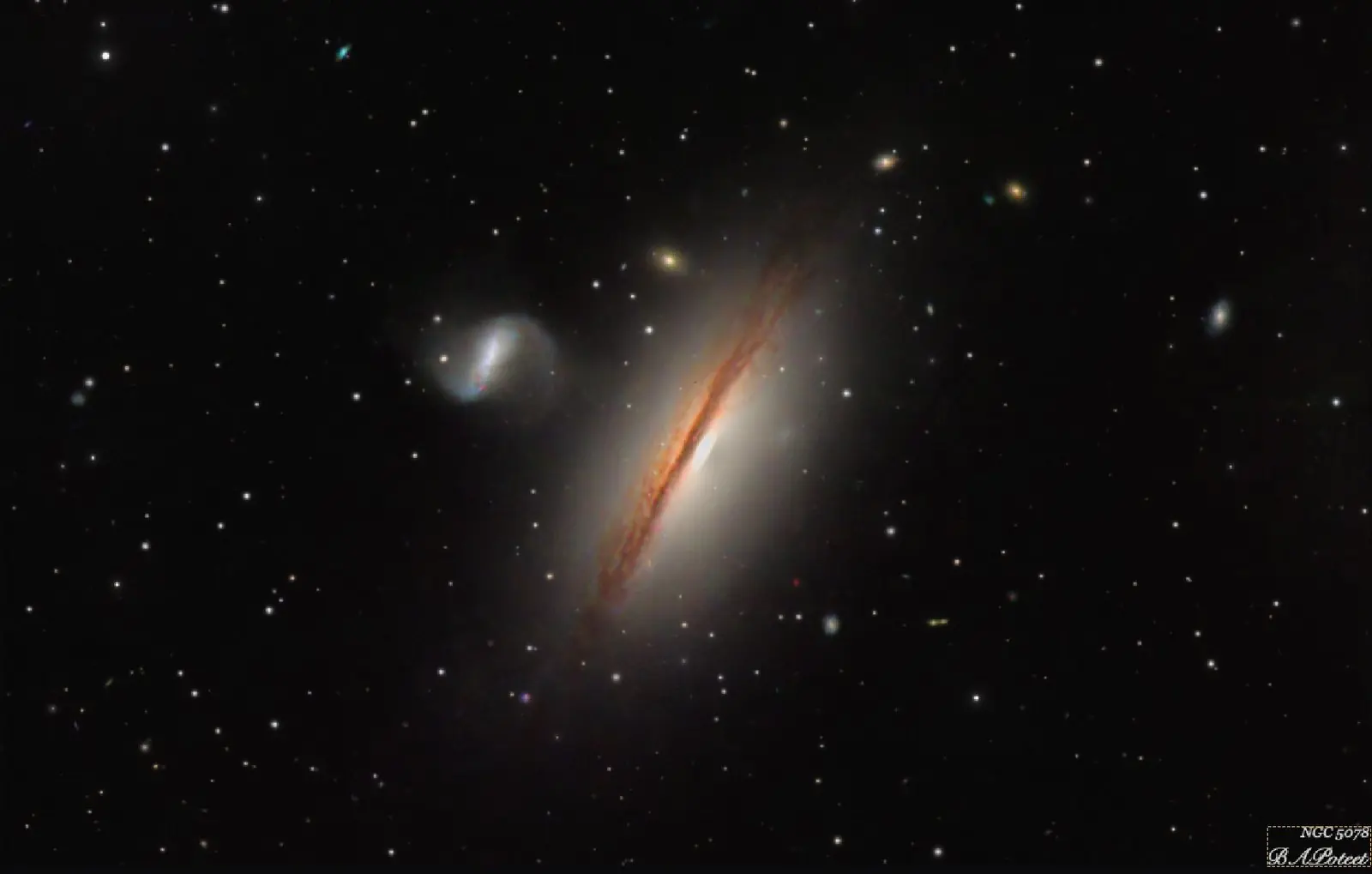
Shown with real data: NGC 5078, LRGB
Each page does one job and hands its result to the next. Stop at any page and carry on in PixInsight: SubZeroAstro saves exactly what you have so far, with a note of what to do next.
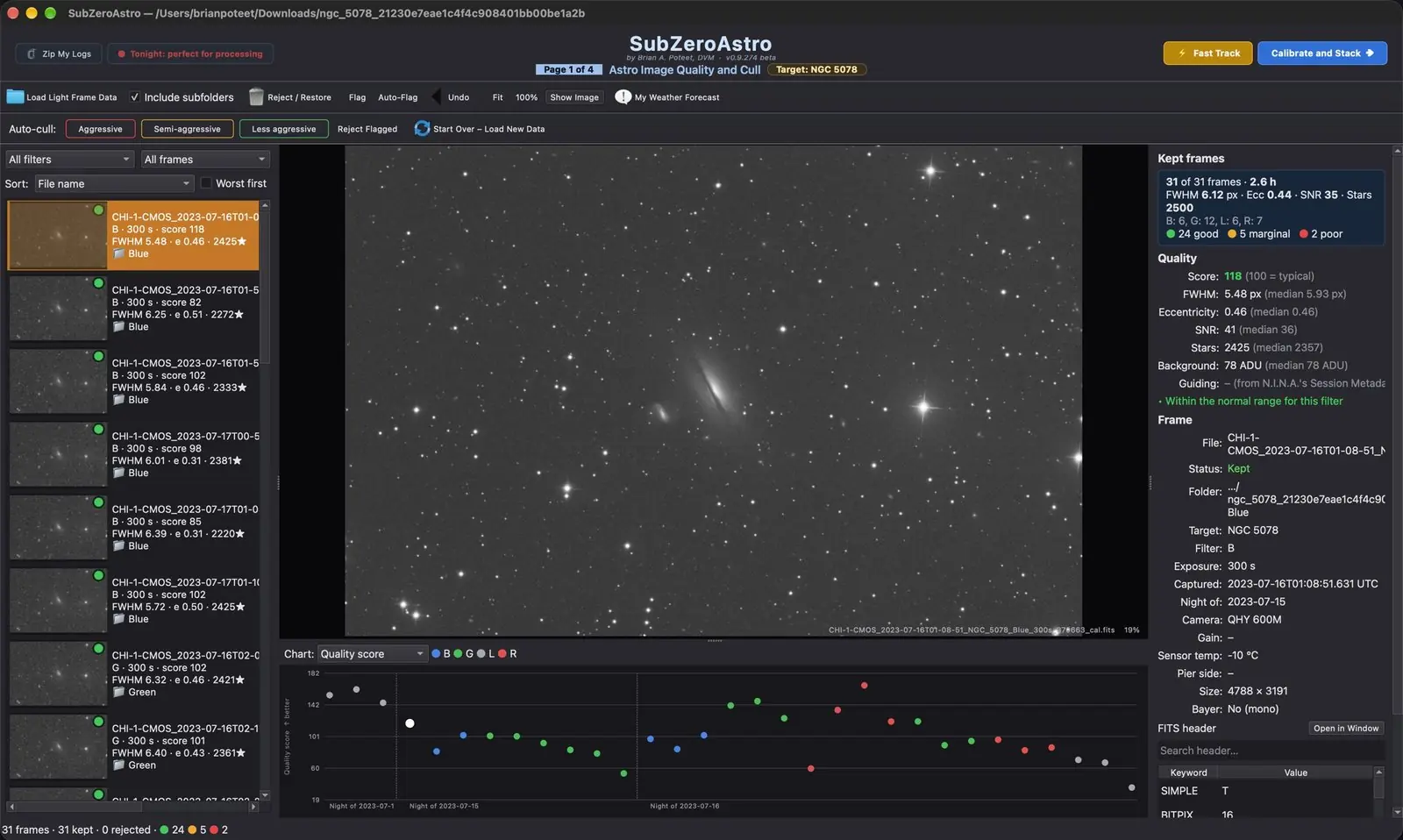
Page 1 of 4
Quality and Cull
Every sub is measured as it loads: star size, roundness, signal, star count and sky brightness, each judged against its own filter.
- Session chart of the whole night
- Aggressive, Semi-aggressive or Less aggressive auto-cull
- Guiding error from N.I.N.A. shown for every sub
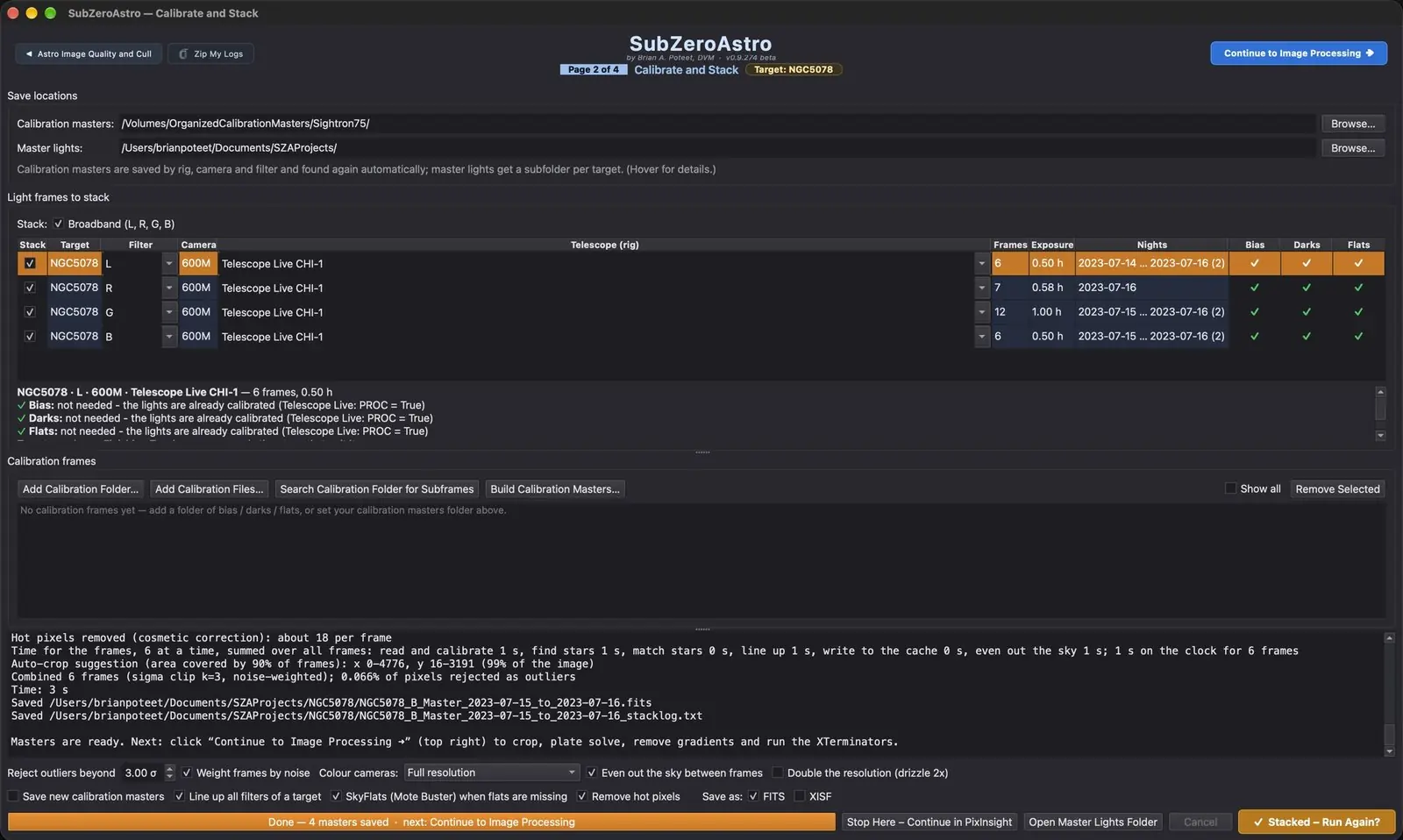
Page 2 of 4
Calibrate and Stack
The keepers are calibrated with your darks, flats and bias and combined into one clean master per filter, with outlier rejection.
- A calibration library that matches masters to each night for you
- Build calibration masters with no lights needed
- Mosaics: several panels, one picture
Page 3 of 4
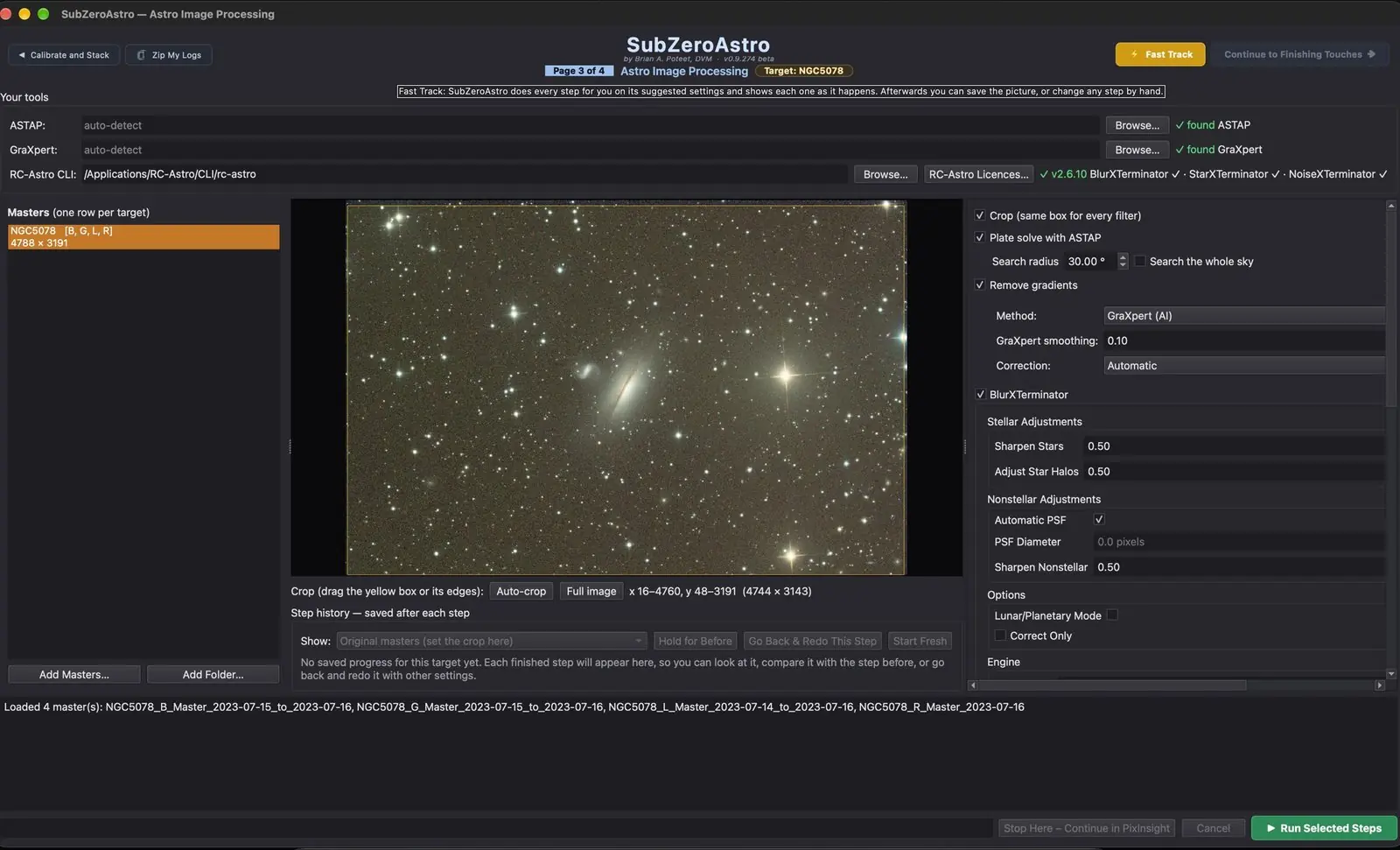
Image Processing
The masters are cropped, plate solved and cleared of gradients, then sharpened, de-noised and separated from their stars if you use the RC-Astro tools.
- Plate solving with ASTAP
- Gradient removal with GraXpert, or built in
- BlurXTerminator, NoiseXTerminator and StarXTerminator run for you
Page 4 of 4
Finishing Touches
A recommended next step always says what to do and why. Each step shows four or five versions of your own picture, and you pick the one you like. Nothing changes until you press Apply.
- Colour palettes for dual-band and narrowband filters
- Stars out, brightened separately, shrunk and put back
- Mote Buster, Spot Fix, Final Crop and your signature
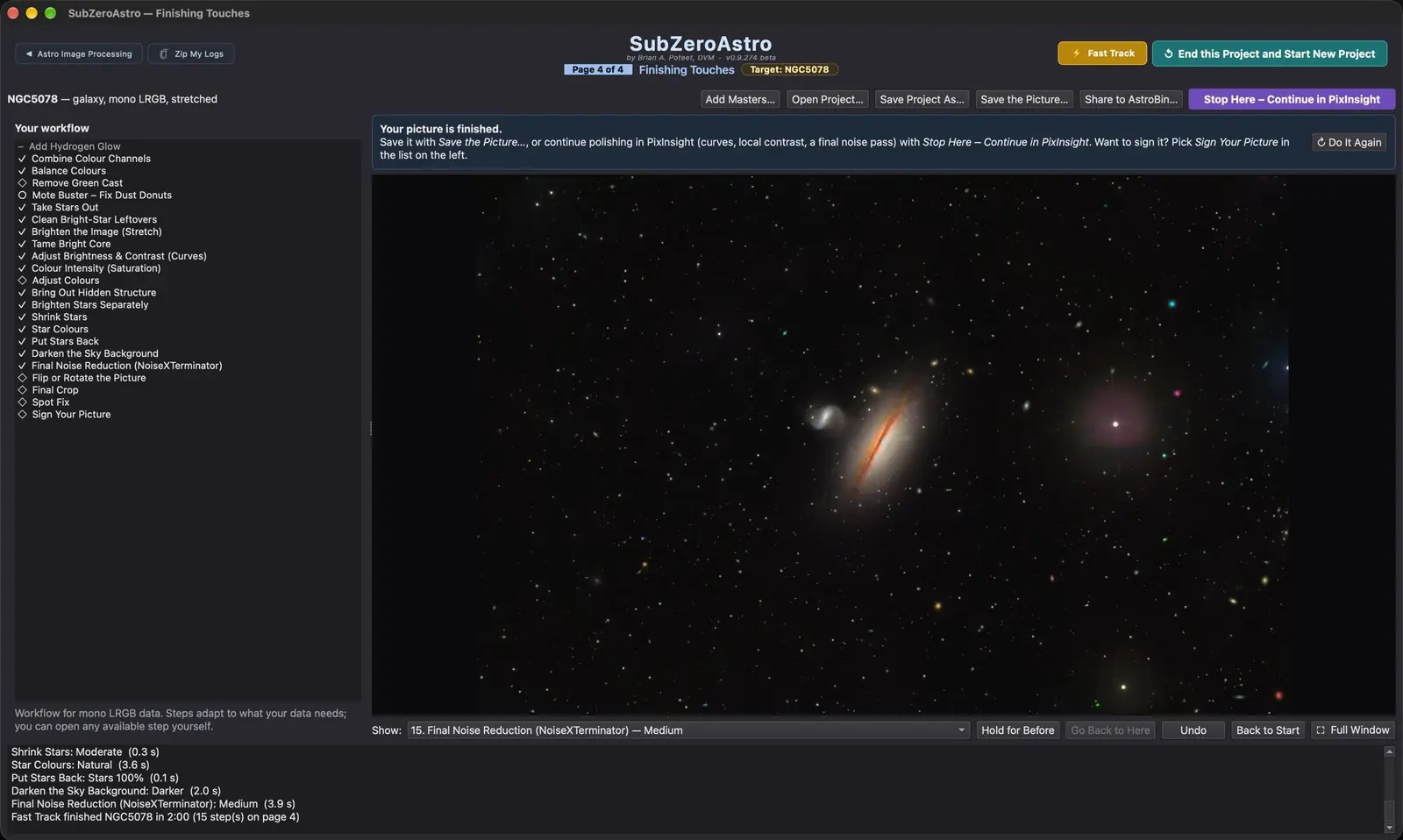
Your data, improved, never painted. Every step works from the light your camera recorded. Undo, Back to Start and a saved history of every step mean you can always go back.
Fast Track: raw subs to finished picture in one press.
Let N.I.N.A. start Fast Track when its sequence ends, and there is a finished picture waiting when you wake up. Like it? Keep it. Want to fine-tune it? Every step is still there to adjust.
Features
Everything from planning to the finished picture.
Planning a night, bringing the subs in, filing them, culling, stacking and processing usually take several programs. SubZeroAstro does all of it in one app, with one set of rigs and one way of working.
Compare
SubZeroAstro and the other astro apps.
Grading, stacking and finishing are covered well elsewhere. What nobody else puts in one place is the night itself: weather, targets, your rigs and your files.
| Feature | SubZeroAstro | PixInsight | Siril | Astro Pixel Processor | DeepSkyStacker |
|---|---|---|---|---|---|
| Price | Free during the beta | €300 once (plus VAT in the EU) | Free (open source) | €60 a year or €165 to own | Free |
| Runs on | Windows Mac (Apple silicon) | Windows, Mac, Linux | Windows, Mac, Linux | Windows, Mac, Linux | Windows |
| Weather forecast with a go / no-go verdict | |||||
| Tonight's targets, sent to N.I.N.A. | |||||
| Same framing next session | |||||
| Subs fetched from every ASIAIR overnight | |||||
| Live alerts: clouds, dew, focus, guiding | live stacking, no alerts | DSS Live, email alerts | |||
| Guiding error per sub, used in culling | from N.I.N.A. | ||||
| Subs filed by rig, target, night and filter | on a schedule, with undo | ||||
| Capture PCs cleaned up safely | N.I.N.A. PCs | ||||
| Grade and cull every sub | |||||
| Calibration library matched automatically | WBPP, by header | with scripts | picked by hand | ||
| Calibrate and stack, with rejection | |||||
| Drizzle and sky evened between frames | drizzle only | ||||
| Comet stacking | |||||
| Mosaics | new in 0.9.289 | ||||
| Plate solving | with ASTAP (free) | ||||
| Gradient removal | GraXpert or built-in | ||||
| Star-catalogue colour (Gaia) | automatic in Fast Track | SPCC | SPCC | star colour, no catalogue | |
| Sharpening (deconvolution) | BlurXTerminator, paid add-on | ||||
| Star removal | StarXTerminator, paid add-on | StarNet | |||
| Work on just the nebula or just the sky | masks made for you | any mask you build | |||
| Finishing: stretch, curves, colour, noise | picked from previews | basic | basic | ||
| Raw subs to finished picture in one press | Fast Track | stacking only | stacking only | stacking only | |
| Lossless squeeze of raw subs, in place | Fitz'r Squeezer | XISF files only | .fz files | ||
| Same settings on every computer (NAS) | |||||
| Moon, Sun and planets | coming | limited | |||
| Scripting | Python | ||||
| Hand off to PixInsight at any step | — | save as FITS | save as FITS | save as FITS |
SubZeroAstro 0.9.298 beta compared with PixInsight, Siril 1.4, Astro Pixel Processor and DeepSkyStacker, as of 20 November 2026. Prices from each seller's website on that date. BlurXTerminator and StarXTerminator are paid RC-Astro tools that SubZeroAstro runs for you; ASTAP and GraXpert are free.
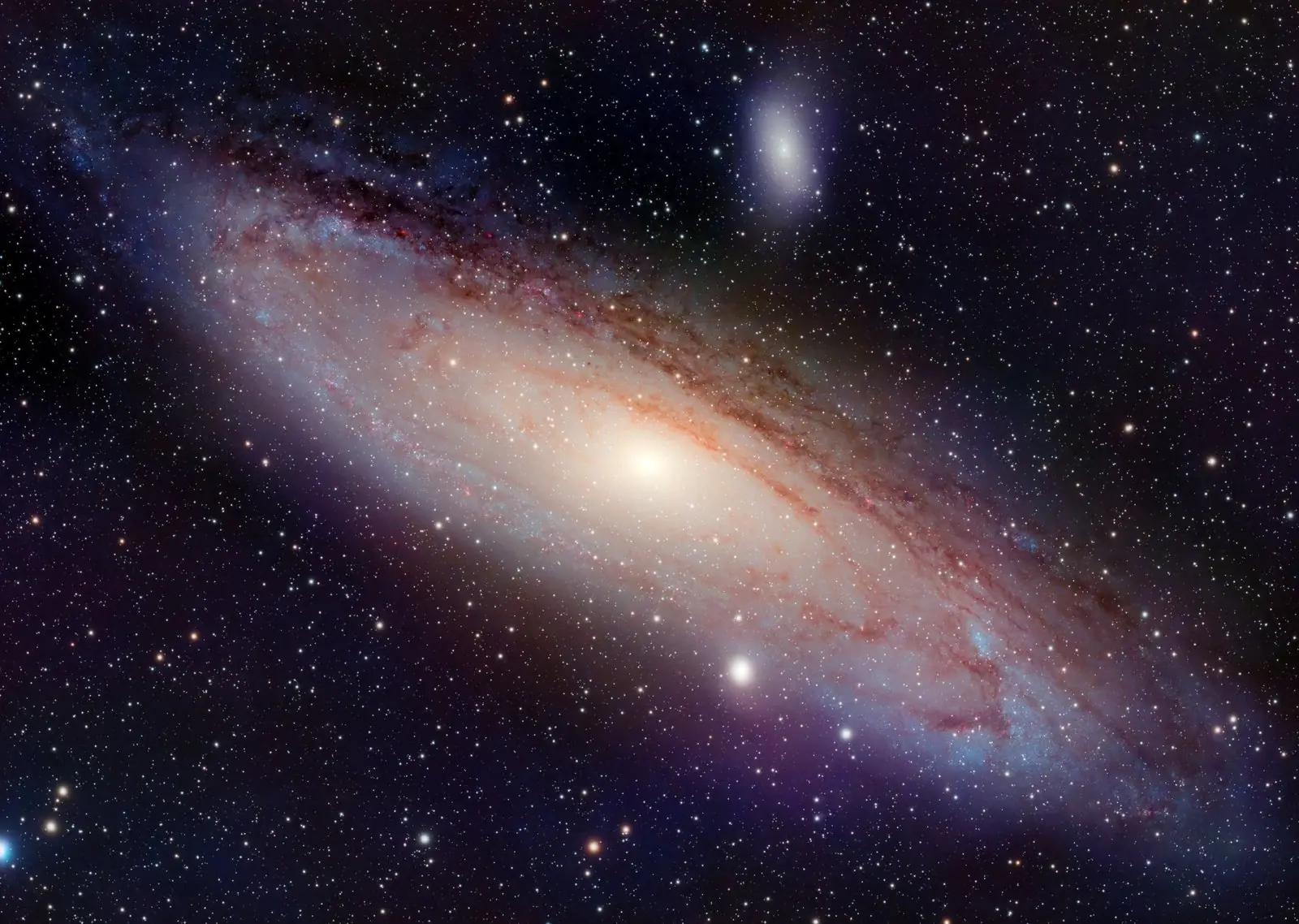
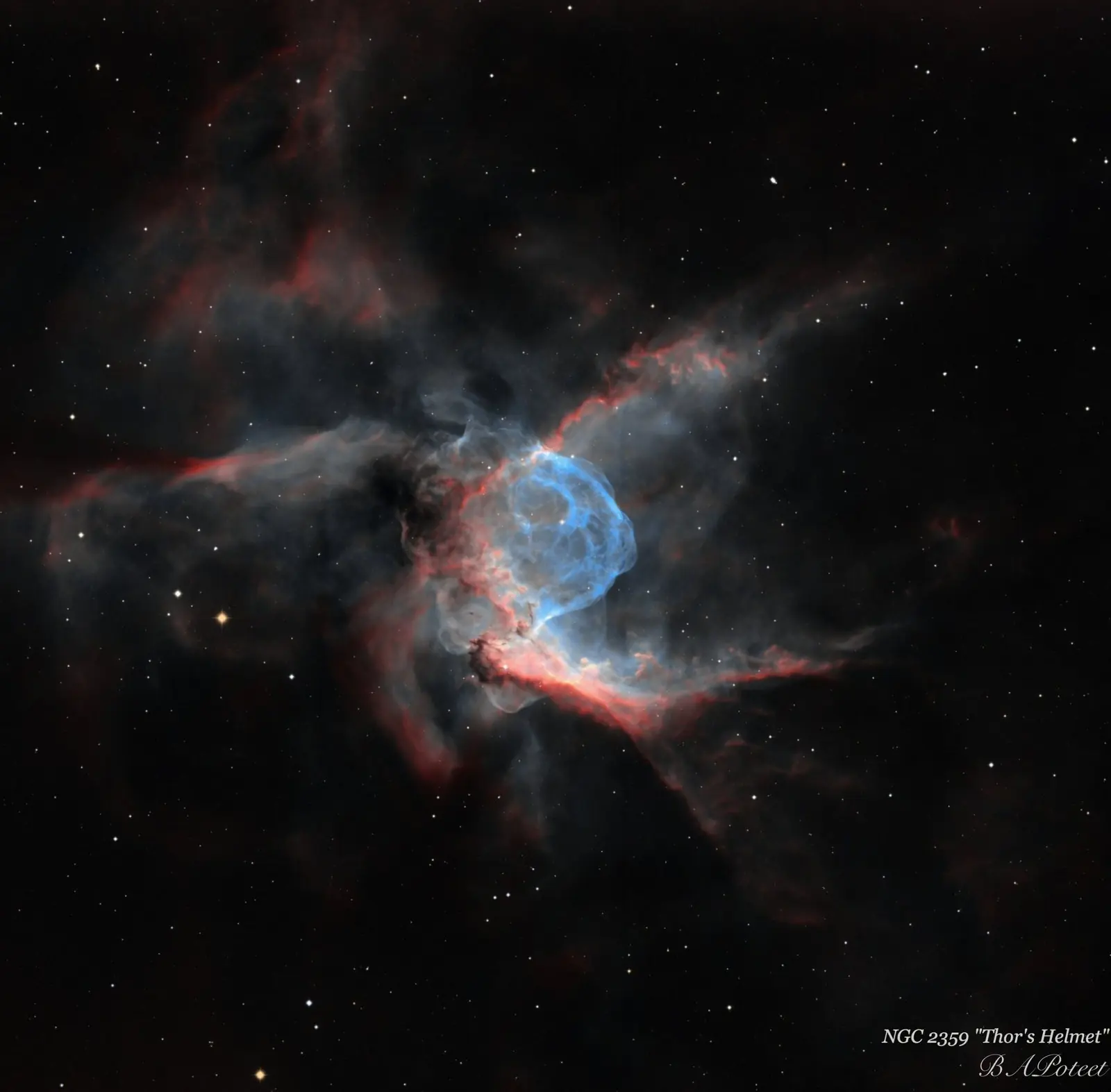
Gallery
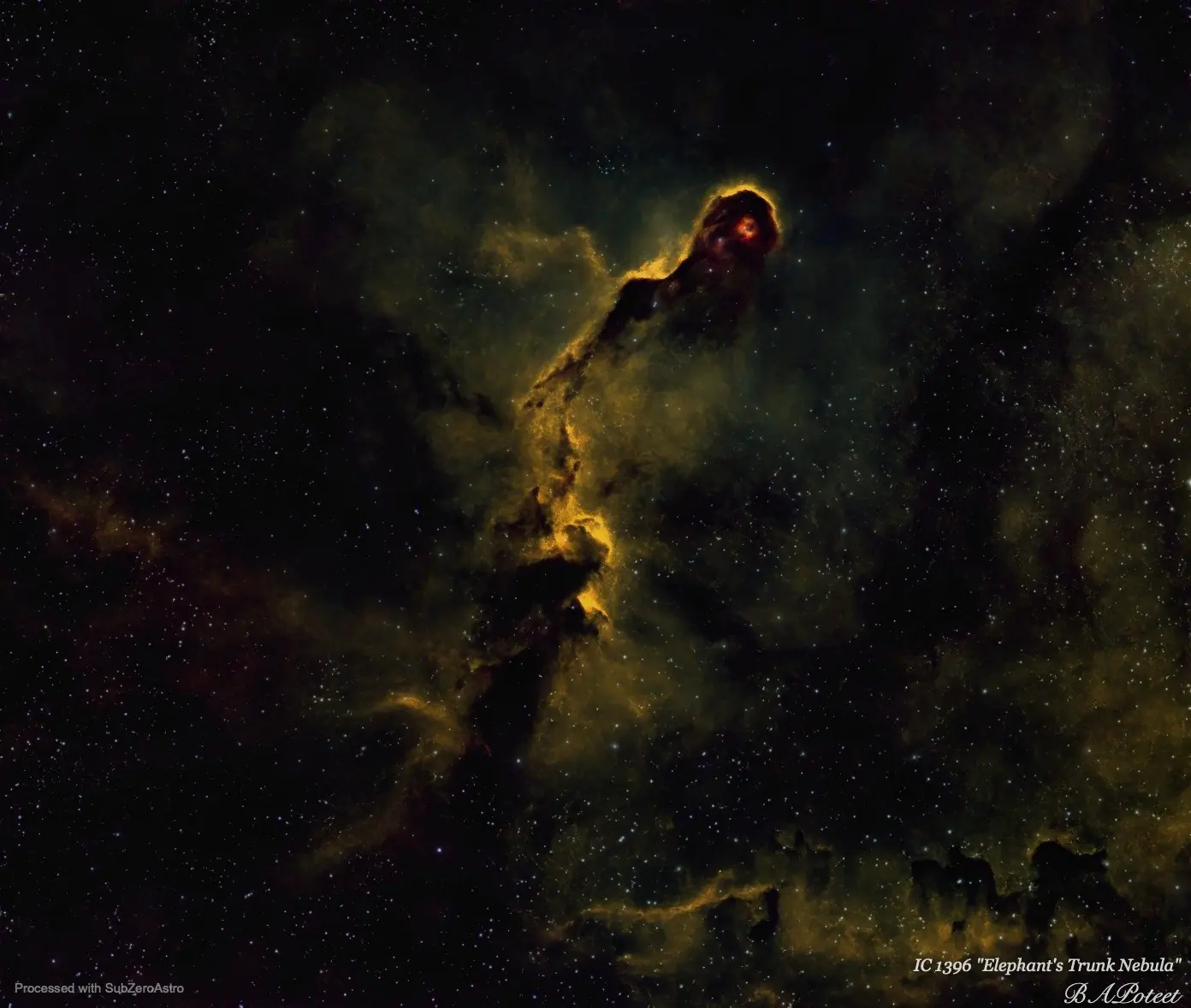
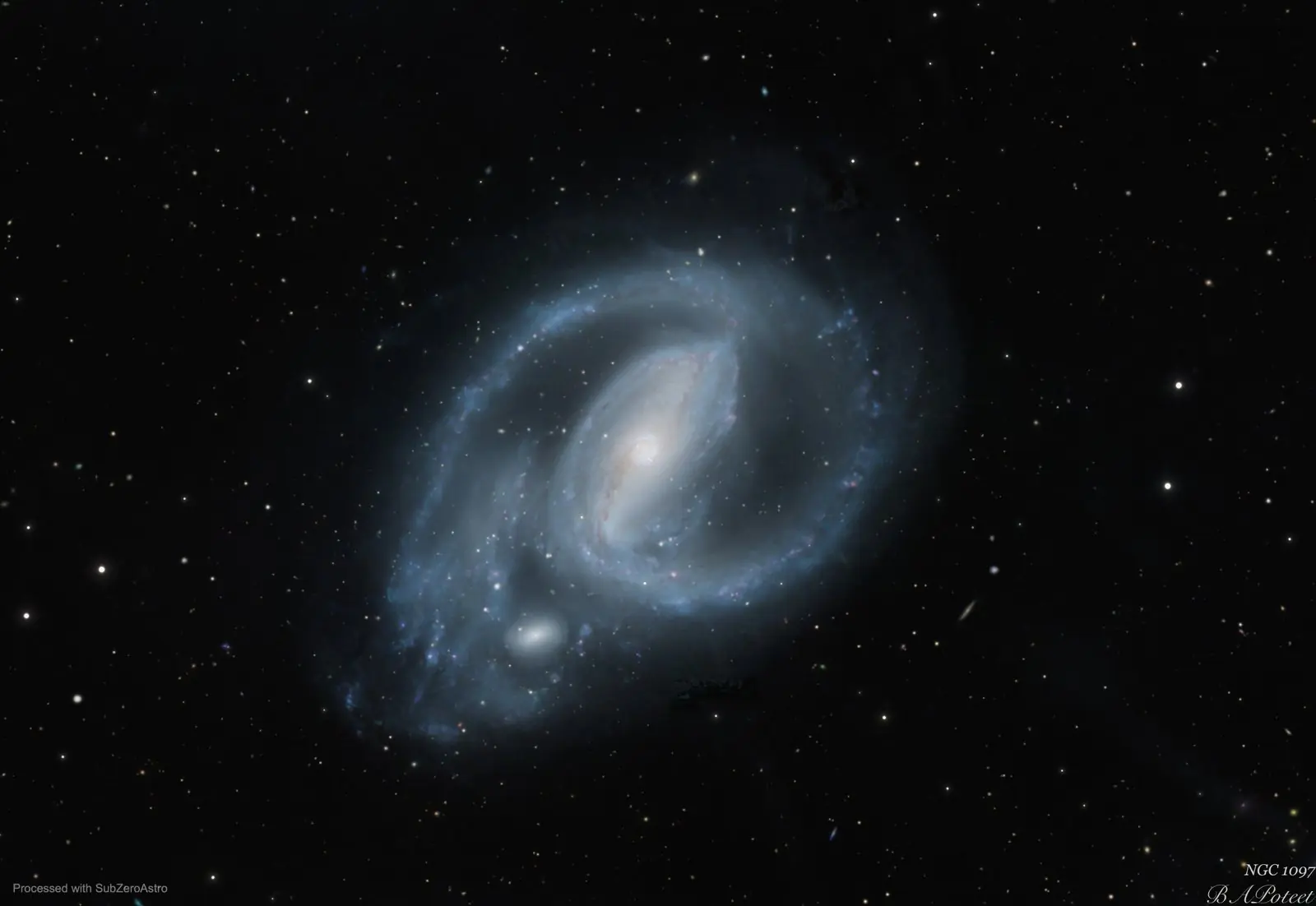
From a Bortle 7 backyard.
Pictures by Brian A. Poteet, who makes SubZeroAstro, taken under suburban skies.
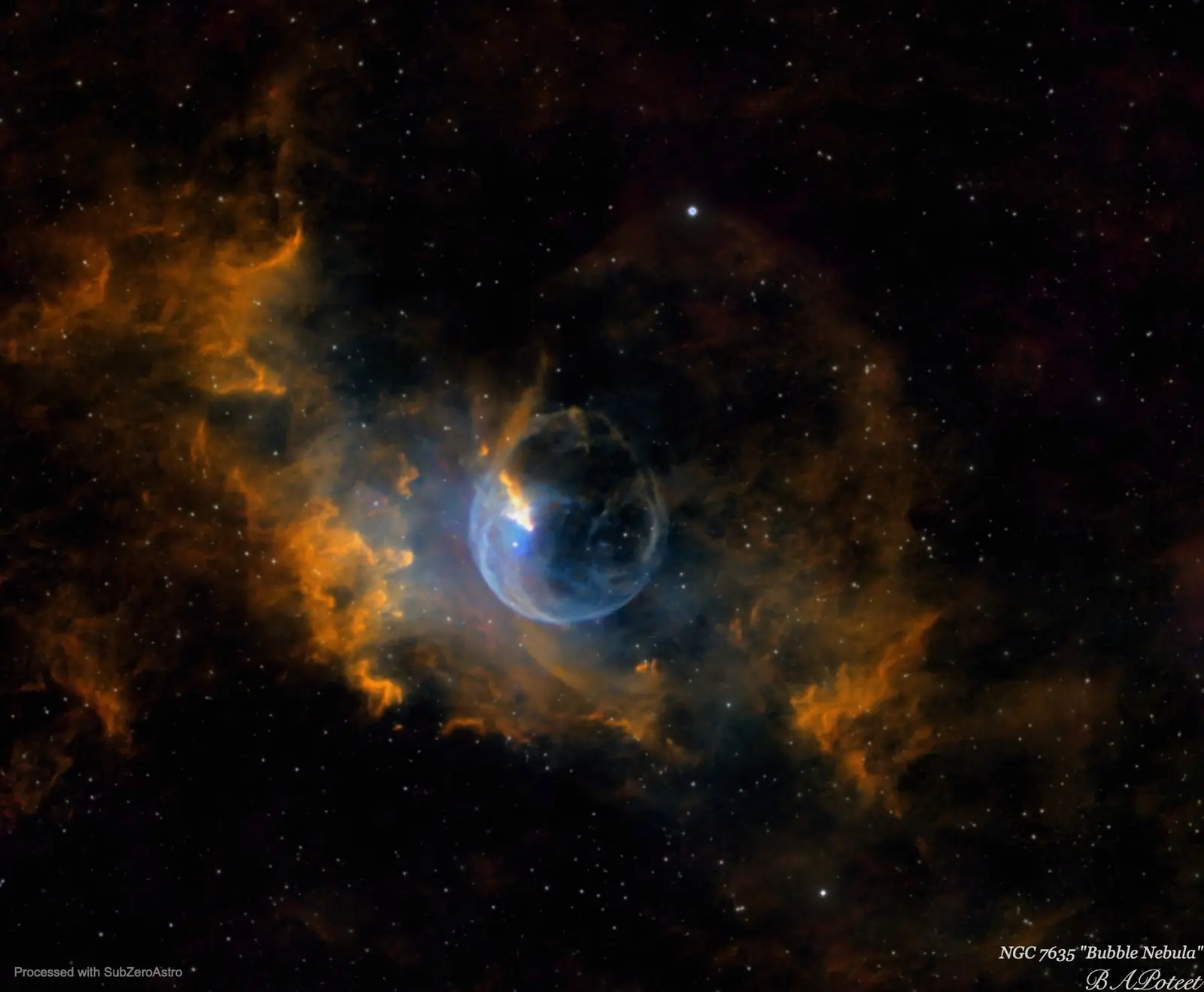
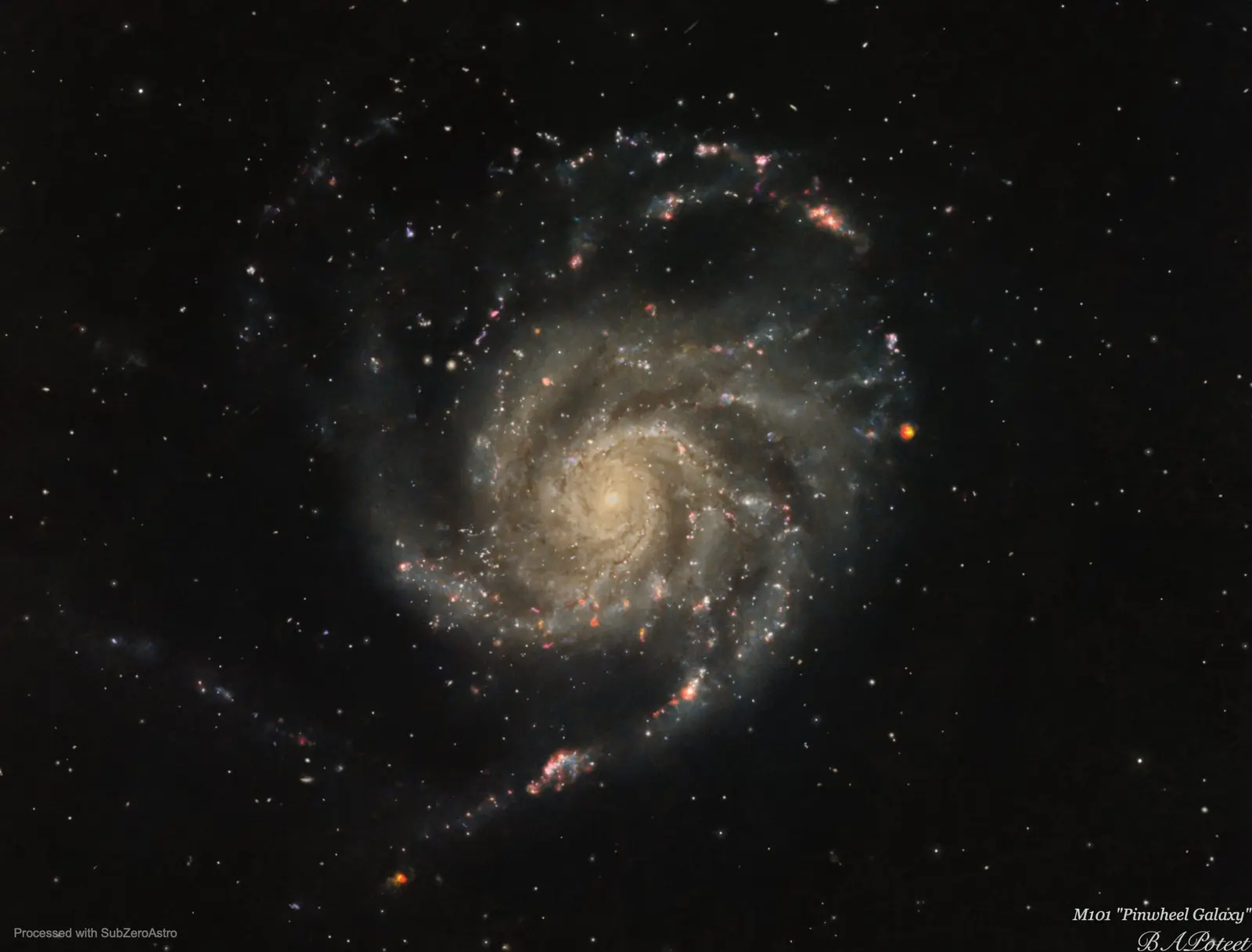
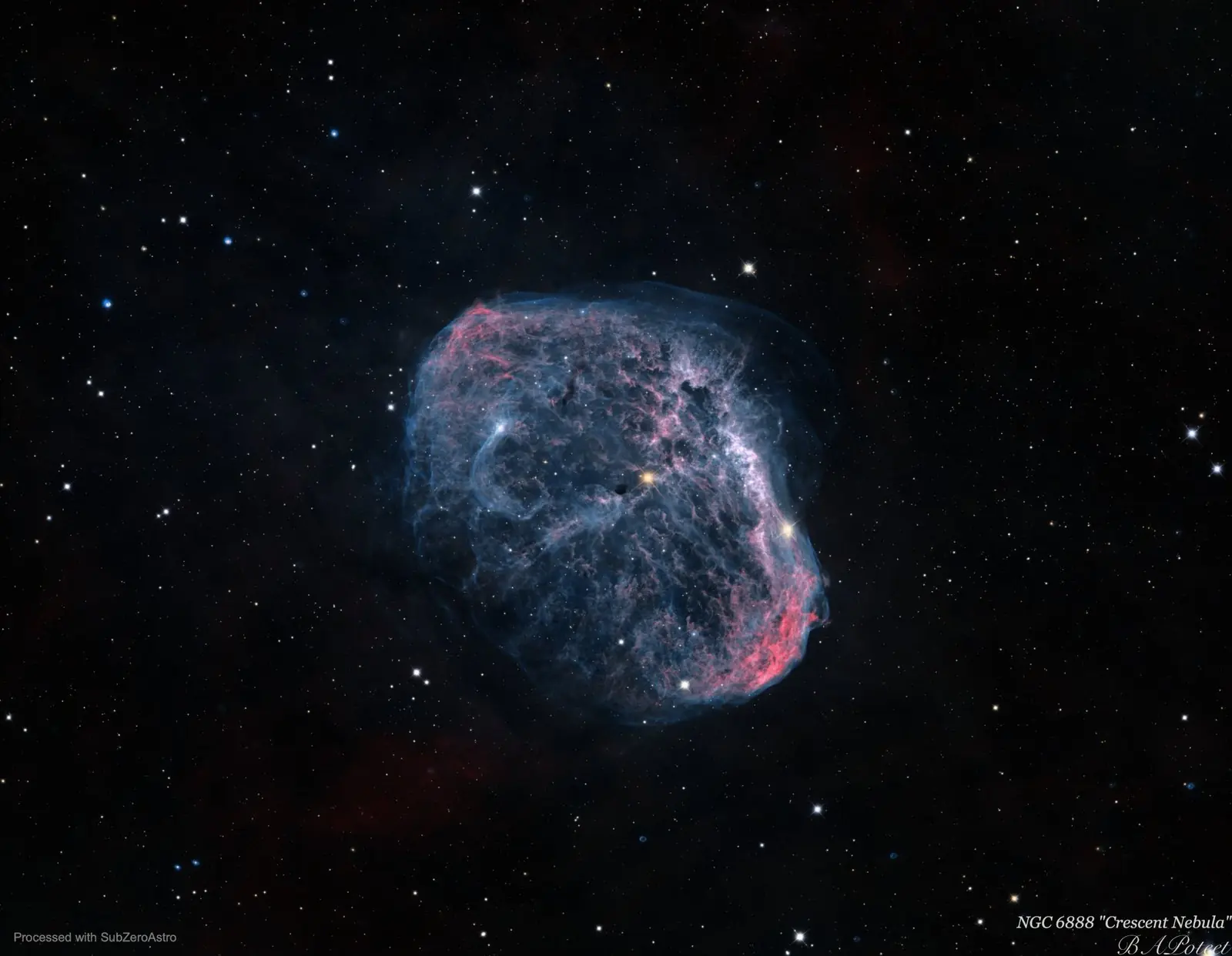
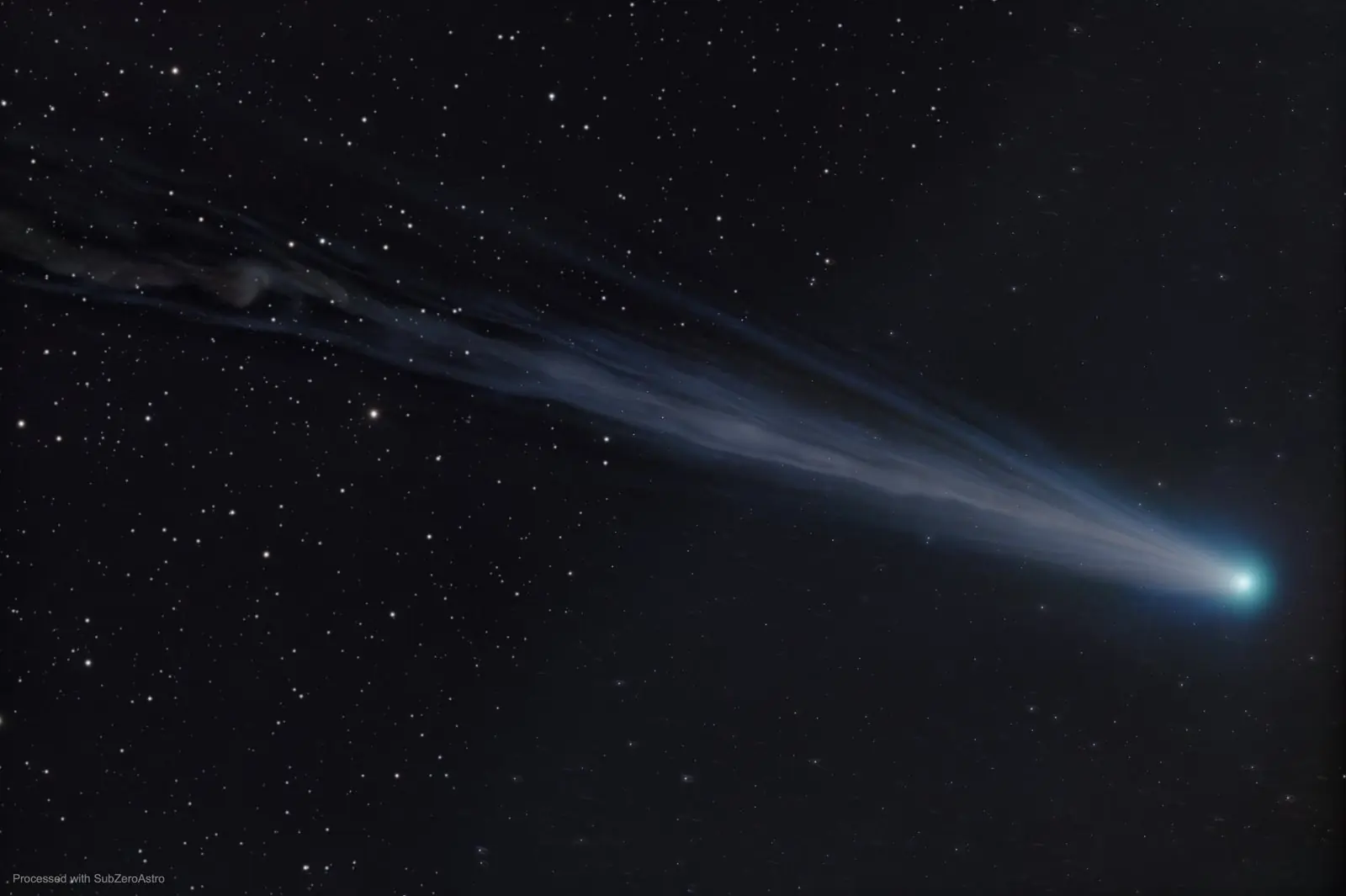
The book
From Dust to Done: A Beginner's Guide to Astrophotography.
Do you love astrophotos but think pictures like these are out of reach for you? This book is for you.
From Dust to Done is a real-world primer, full of personal experience (and the mistakes made along the way), that takes you from absolute beginner to experienced hobbyist. It's an easy but very informative read that will help you on your journey to photographing galaxies and distant nebulae.
Pricing
Free while it's in beta.
Everything in SubZeroAstro is free to use during the beta. When version 1.0 arrives, these are the plans, each with a 30-day free trial.
From 1.0 · Monthly
$12 / month
Cancel any time. Your finished pictures are always yours to keep.
From 1.0 · Yearly
$120 / year
Two months free compared with paying monthly.
From 1.0 · Buy once
$250
Pay once. No renewals.
Download
Get SubZeroAstro.
Unzip it and run it. No installer, no Python. Both versions are signed by the publisher, and the app checks for updates for you.
What you need
- Windows 10 or 11 (64-bit), or a Mac with Apple silicon
- 16 GB of memory (32 GB or more recommended)
- An SSD with 100 GB or more free
- A 1600 × 900 screen or larger
Helpful companions (optional)
- ASTAP for plate solving (free)
- GraXpert for gradient removal (free)
- RC-Astro BlurXTerminator, NoiseXTerminator, StarXTerminator
- PixInsight, if you like to finish there
Help
Questions people ask.
Do I need PixInsight?
No. SubZeroAstro takes you all the way to a finished picture on its own. If you do use PixInsight, a Stop Here button on every page saves your work as PixInsight-ready files with a note of which processes to run next.
Does it work with a colour camera, a mono camera, or a smart telescope?
All three. It handles one-shot-colour cameras with or without dual-band filters, mono LRGB and narrowband sets, and files from Seestar, DWARF and Vespera. The manual has a step-by-step recipe for each.
Windows warns me about the download. Is it safe?
The app is signed by its publisher. While a new signature builds its reputation, Windows SmartScreen can still show a warning. Click More info, then Run anyway.
Can my files stay on a NAS?
Yes. SubZeroAstro reads network drives carefully and remembers its measurements, so reopening a session is quick. It can also keep your settings the same on every computer through the NAS.
Where does my data go?
Nowhere. Your images stay on your computer and your own drives. The app goes online only for things you ask for, like the weather forecast, star-catalogue colours and update checks, and then sends only what is needed, such as your site's location or a position in the sky.
How do I update?
Choose Help, then Check for Updates in the app. It downloads the new version and keeps all your settings, rigs and measurements.
Weather Prayer of the day
Every clear night starts with a little hope.
The same prayer you'll find under Help in the app. A new one every couple of days, sent in by astrophotographers like you.
Send in your own Weather Prayer and see it hereDear God, I have been really good and my astro equipment is ready to go. Please bless me and all other astrophotographers with clear dark skies, good seeing and minimal moonlight for tonight. If you could also throw in some anti-Murphy's Law pixie dust and maybe a cold beer, that would be great and would let me know you really care about me. Amen.
Contact
Clear skies, and say hello.
Found a problem or have an idea? Write to us. If something went wrong, choose Help, then Zip My Logs in the app and attach the zip. It gathers everything we need, so there is nothing to copy by hand.
Howling Star Projects, LLC, doing business as SubZeroAstro